
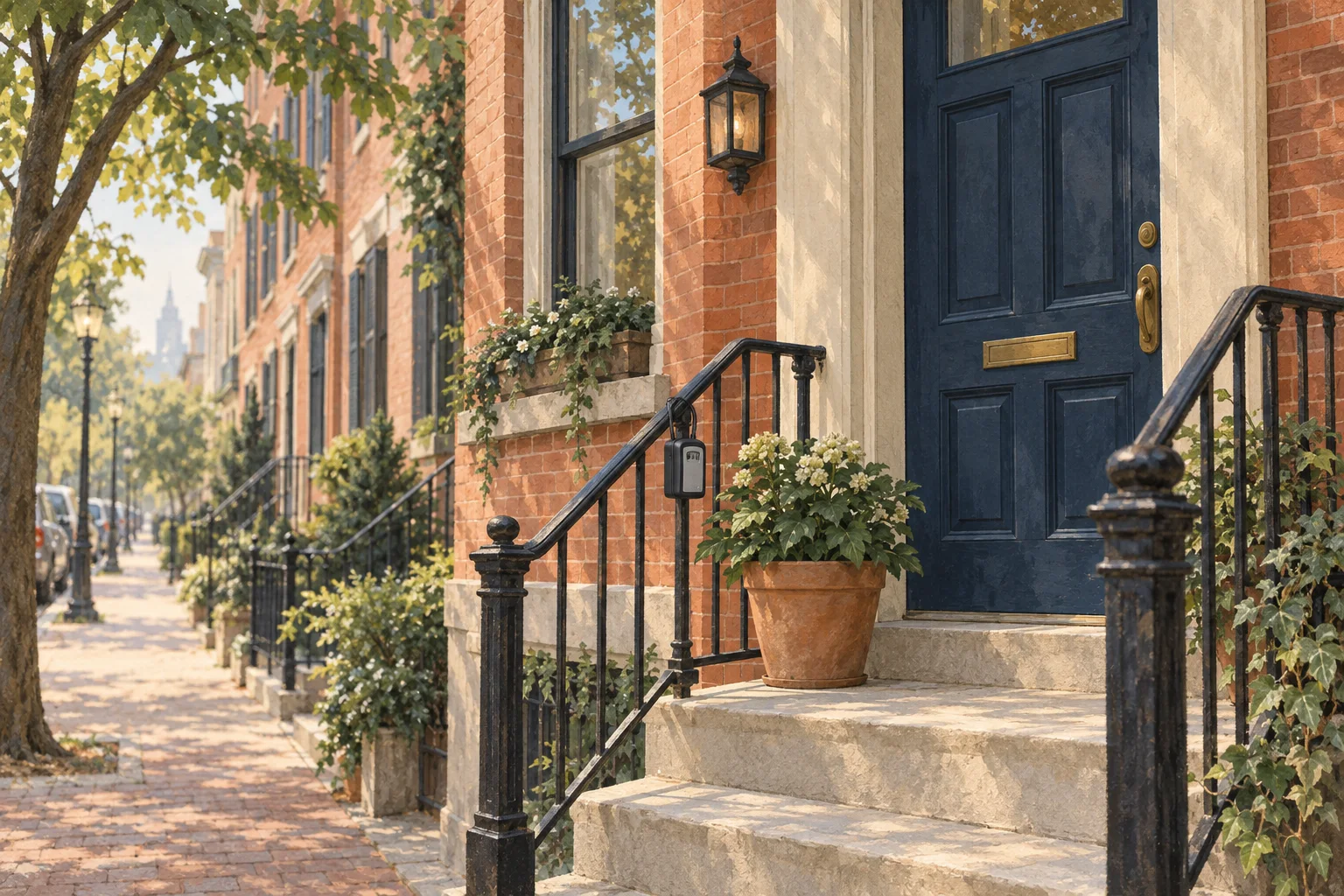
Booking a cleaning for a day you're at work raises two practical questions: how does the cleaner get in, and where do they park on a block like yours? This guide walks through the exact access options on our booking form, what to write in the Arrival notes card, and the Philadelphia specifics that trip up a first visit: side gates, stoops, trinity stairs, front desks, and block parking.
Do you need to be home for your house cleaner?
No, you don't need to be home. Many Hometress customers leave entry instructions or a lockbox or smart-lock code when they book, and if you'd rather be there, that's completely fine too. Our booking form has a card called How the cleaner gets in with six options. Pick one, then add the details in the Arrival notes card.
| Access option on the form | Pick it when | Add to Arrival notes |
|---|---|---|
| I'll be home | You or someone in the household will open the door | Which room you'll be working in |
| Smart lock code | You have a keypad or app-controlled lock | Which door the lock is on (the code has its own field) |
| Lockbox | A code-protected box holds a key | Where the box is mounted, plus the code if you're comfortable putting it in the note |
| Doorman building | A desk or doorperson lets visitors up | Sign-in, elevator, or loading-dock rules |
| Building super | A super or manager opens the unit | Their name and where to find them |
| Hidden key | A key is stashed somewhere outside | The exact spot (read our FAQ below first) |
When you pick Smart lock code, the form opens a separate field for the code itself, so it doesn't need to go in your note. In the booking form's own words, a code you share there "goes on your booking for the assigned cleaner and the dispatch team, and nobody else." Leaving a key with a neighbor instead? There's no tile for that, so pick the closest match and put the neighbor's name, door, and hours in your note.
What to write in the Arrival notes card
The Arrival notes card asks, "Anything your cleaner should know on arrival?" It's optional, and it opens by default so you see it. It starts with seven quick flags you can tap:
- Pet in the home
- Stairs to apt
- Squeaky door
- Use side entrance
- No shoes inside
- Heads-up before knocking
- Construction nearby
Below the flags is a free-text note of up to 500 characters. Whatever you write is recorded with your booking. A good note for a rowhome reads something like this:
"Please use the side gate off the alley, not the front door. The lockbox is on the gate post, left side. The dog will be crated in the back bedroom. The alarm is off for the visit. No shoes inside; slippers are by the door."
That's well under the limit, and it follows a useful order: the door first, then anything alive, then anything that beeps. That's the order a cleaner meets them in.
The Philadelphia access playbook
Rowhome front door, side gate, or alley
On most rowhome blocks the front door is the obvious way in, and you don't need to say anything. If your everyday entrance is somewhere else, tell us: a side gate, a rear door off a shared alley, or a trinity tucked into an alley. Queen Village is a good example, with narrow trinities tucked into quiet alleys. Tap Use side entrance and name the gate in your note. If your real entrance is a basement door or hatch, say that too. For more on how these houses are put together, see our guide to Philadelphia row homes.
Stoops, stairs, and apartments upstairs
If you rent the second or third floor of a converted rowhome, the address form has Unit / Apt and Floor fields. Fill both in and tap Stairs to apt so the climb isn't a surprise. If your stoop is shared with a neighbor's door, say in the note which door is yours.
Trinities and narrow stairs
Trinities have narrow stairwells and small footprints, with stairs that turn back on themselves. That's ordinary work for us. Stairs are already on the Standard checklist ("Hallway & Staircases Vacuumed And/or Mopped"), so there's nothing extra to book. In your note, say how many floors the house has and whether anything on the stairs is fragile.
Doorperson and front-desk buildings
Pick Doorman building if a desk or doorperson lets visitors up, or Building super if a manager opens the unit. Buildings run differently, so the note is where the rules go: front-desk sign-in, elevator or loading-dock hours, and whether the building asks vendors for a certificate of insurance. If your building keeps a visitor list, add the cleaning date before the visit.
Parking on your block
The booking form also asks, "Where should your cleaner park?" with four options: Street (free), Driveway / spot, Building lot, and Paid parking. Permit zones and garage fees are baked into the flat rate, never tacked on after the visit, so you never need to save a spot or give up your permit space. If your block only has paid parking, the booking form has an optional meter tip you can add. If paid parking is the only option, the form asks whether you'd like to chip in for the meter. That's optional, and it goes to your cleaner.
Picking the right option still helps, because Philadelphia parking changes block to block. In Bella Vista, one side of a street can be permit-protected while the other is two-hour parking. In Fishtown, parking is street-only and competitive, and in Brewerytown some blocks run on cones. On a permit block, the Philadelphia Parking Authority says guests may park for the posted time limit, and a residential permit is only valid on blocks posted with its district number. If you used to hand visitors a paper day pass, the PPA stopped issuing physical day passes on January 1, 2026. Guest passes are now registered online by license plate.
Construction changes the curb too. In Brewerytown, crews can hold a street for weeks. If there's a dumpster, a closure, or a crew on your block, tap Construction nearby.
Pets
Tell us about pets in two places: the Pets question in the Home step (None, 1 dog, 2+ dogs, 1 cat, 2+ cats, Other), which carries no fee, and the Pet in the home flag in Arrival notes. Our Terms ask that pets be secured in a comfortable spot away from the areas being cleaned. Litter boxes and pet enclosures aren't part of the service. If shedding is the real issue, the Pet Shed Removal add-on is $25 and adds about 20 minutes.
Alarm codes
There's no alarm field on the booking form. The simplest route is to leave the alarm off on the day of the visit and re-arm it afterward. If your system supports a temporary guest code, that works too. Either way, say in the note that there's an alarm and whether it will be off.
Before the cleaner arrives: a short list
- Test your access. Open the lockbox, try the smart lock code, or tell the front desk the date.
- Put pets in a comfortable room or crate away from the areas being cleaned.
- Put away valuables and fragile heirlooms. Our Terms ask for this before every clean.
- Do a light pickup of floors and counters so the visit goes to cleaning.
- Leave the alarm off, or say in the note how it's handled.
- Make sure the water and electricity are on. Our Terms treat both as required for the service.
First visit vs recurring
The first visit is when nobody knows your door, your stairs, or your dog. The Arrival notes card describes itself as "optional but useful for first visits," and that's the right read. Write the full note and test the access a day ahead.
Recurring visits need less explaining. On recurring plans we prefer to send the cleaner who already knows your home. Recurring plans also cost less: 15% off Weekly, 10% off Every 2 weeks, and 5% off Every 4 weeks, starting with the first visit. A Standard clean for a 3-bedroom, 1.5-bath rowhome in the Spacious size band is $275 one time ($170 + $45 + $30 + $30), or about $248 a visit Every 2 weeks, since checkout rounds $247.50. If your code, lockbox, or entrance changes between visits, tell Hometress customer service at (215) 607-7361 or care@hometress.com rather than arranging it directly with your cleaner. Our Terms route every change through us so it's tracked on your booking. Not sure which cadence fits? Read how often you should schedule a home cleaning.
Access questions we get
What happens if the cleaner can't get in?
Under Section 2.4 of our Terms of Service, if a cleaner arrives for a scheduled visit and can't get in for reasons within your control (no key, locked out, or an unprepared or unsafe site), the fee is 100% of the booking value. Rescheduling is free, so if you know access will be a problem, move the date rather than risk a lockout. Cancelling an advance booking is different: more than 48 hours' notice carries no fee, 24 to 48 hours is $75, and under 24 hours is 50% of the booking. The full schedule is on our FAQ.
Can I leave a key under the mat?
We'd steer you away from it. The form does offer a Hidden key option, but under the mat or in a planter are obvious spots, and a lost key can't be changed the way a code can. A lockbox or a smart lock does the same job, and you can change the code after the visit. If a hidden key is truly your only option, pick Hidden key and describe the exact spot in your note.
Can I be home and work while they clean?
Yes. Pick I'll be home. Say in your note which room is your office and when your calls are, and tap Heads-up before knocking if someone might be asleep or on a call.
Do I need to tidy before the cleaner comes?
A light pickup helps, and our Terms say so: clearing clutter from floors and surfaces lets the cleaner spend the visit on the tasks in your booking. You don't need to pre-clean. Be clear on scope, though, because the checklist is the job. Standard includes "General Room Straightening" and "Declutter of Walking Area" in bedrooms, but a sink of dishes is the Wash Dishes add-on ($25), and piles of clothes are Organize Clothes Clutter (30-mins) at $30.
What about my dog?
Tap Pet in the home and pick your dog in the Pets question. There's no pet fee. Please have your dog secured away from the rooms being cleaned: a crate, or a closed door on a room your note says to skip. If an unsecured pet is a safety risk, our Terms let the cleaner stop the visit, and cancellation fees may still apply.
Ready to set it up? Book a clean, pick your access option, and write the note while you're there. It saves the knock at the wrong door.